Install for your vehicle
Select your car. Then do the steps under that heading.
After the engineering menu opens, open USB2.0 AUTH / USB2.0认证. The button name on that screen is DEVICE EYE PATTERN / Device眼图.
| Vehicle | Heading |
|---|---|
| Tiggo 7 2025. The screen can look like an Omoda 5. | Tiggo 7 2025 |
| Tiggo 8 2025 | Tiggo 8 2025 |
| Tiggo 8 2026 | Tiggo 8 2026 |
| Jaecoo | Jaecoo |
Tiggo 7 2025
Use this heading for a Tiggo 7 2025. The car screen can look like an Omoda 5. Use this heading for an Omoda 5 too.
The way to open the menu is the known way. The only difference is on the USB 2.0 screen.
NOTE: On the pictures, the glowing gold dot shows where you touch. The yellow dot is an extra mark.
- Touch the blinking dot on the car screen. The car settings open.
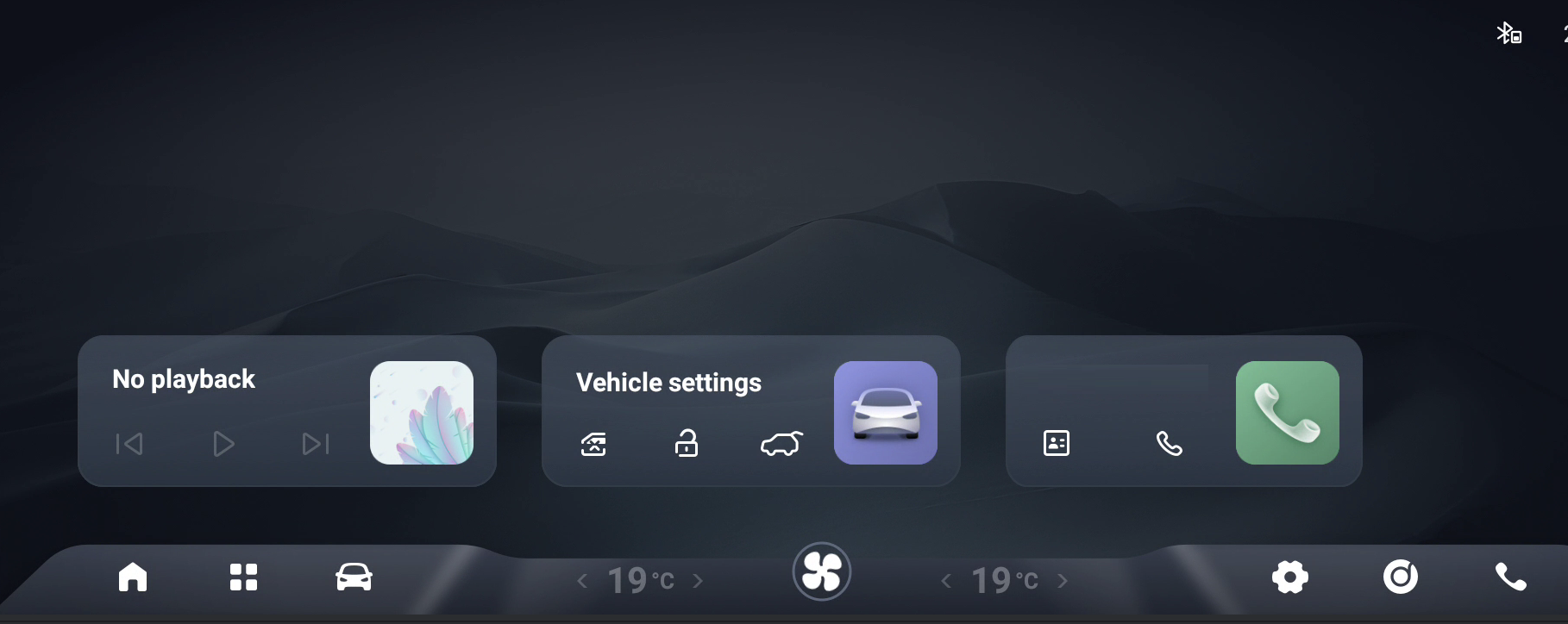
- Find the blue dot in System. Touch it 10 times quickly.
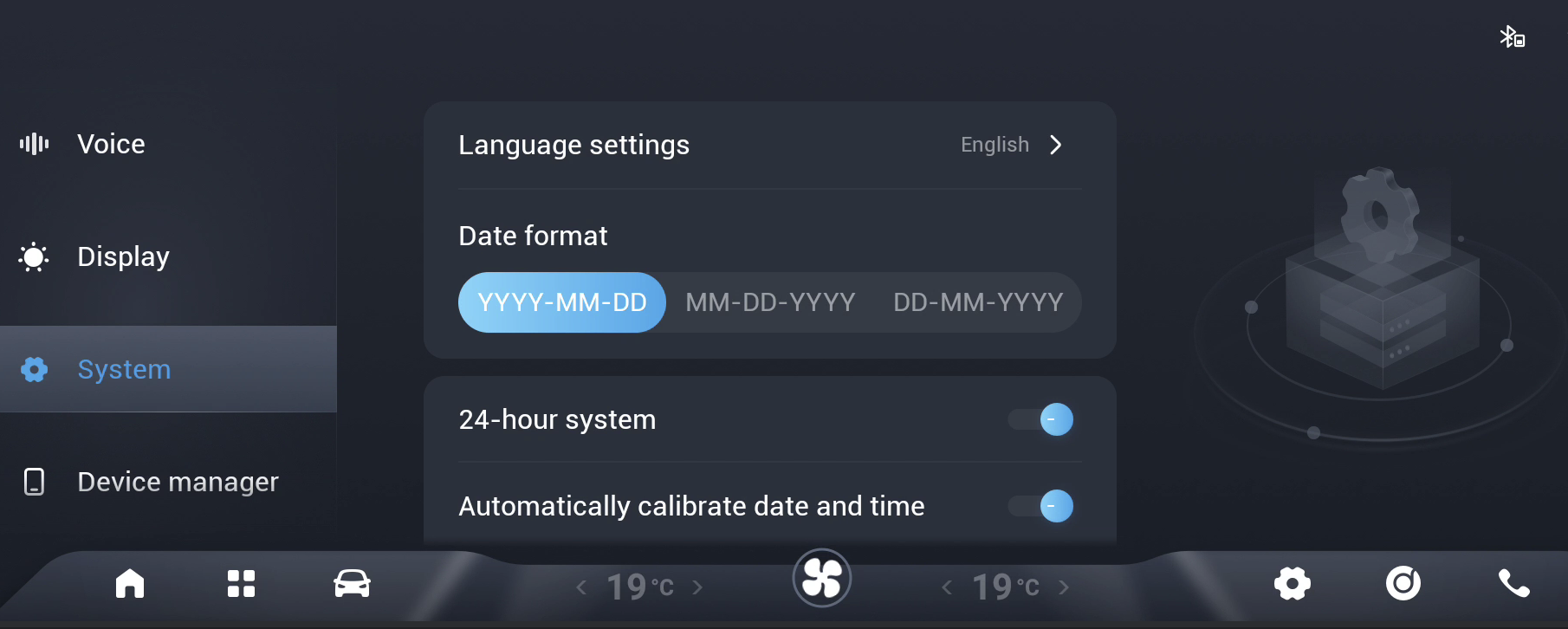
- Touch
USB2.0 AUTH/USB2.0认证.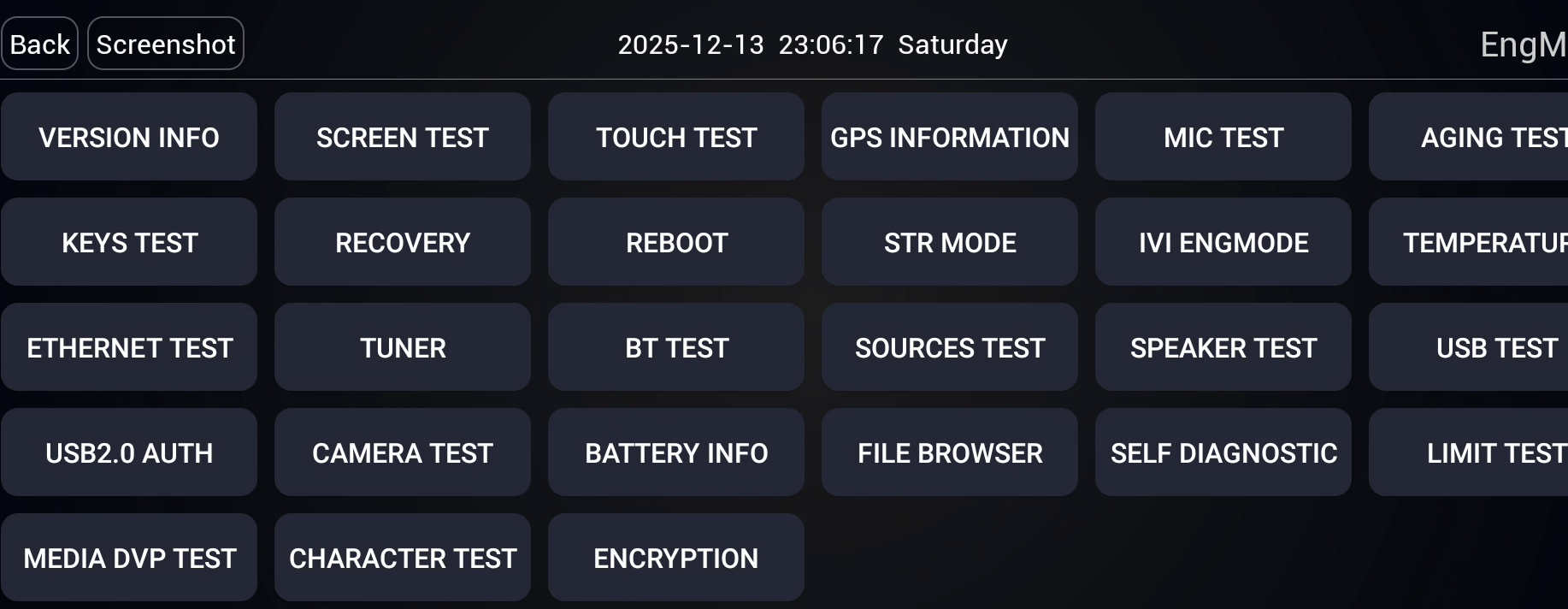
- Look at the USB 2.0 screen. Find the
DEVICE EYE PATTERN/Device眼图button.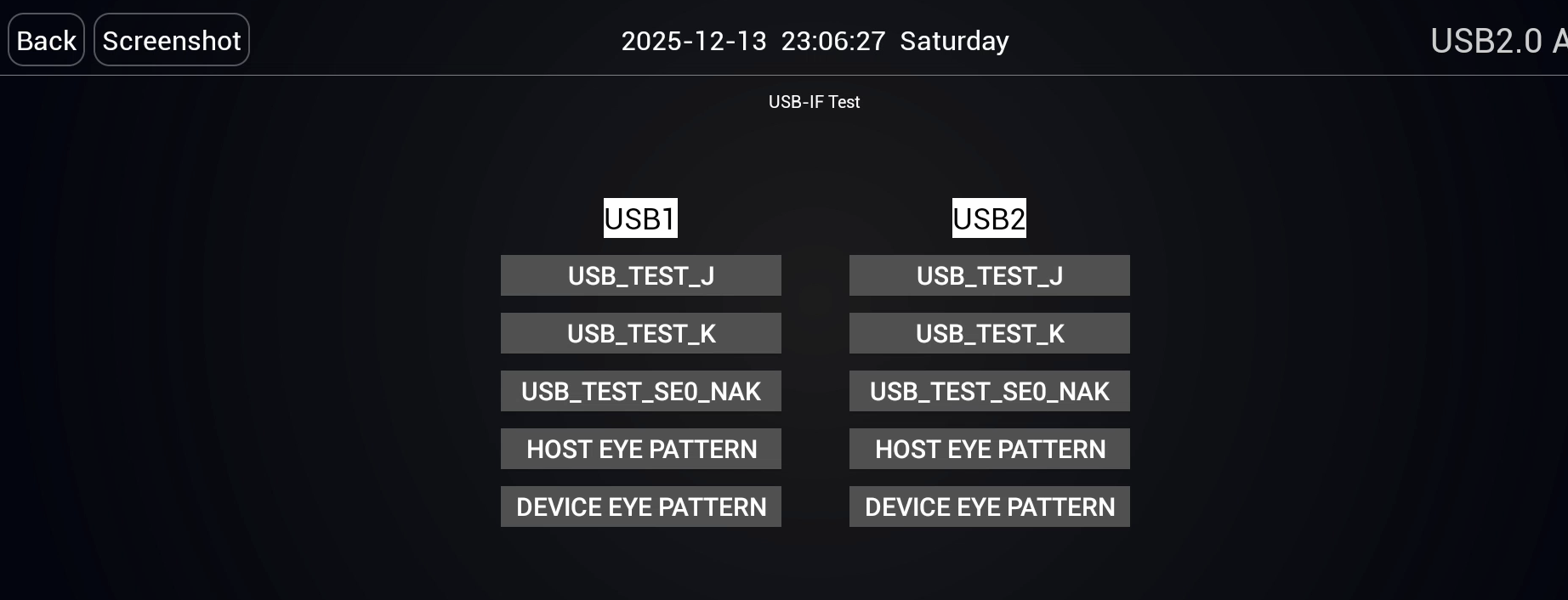
Is DEVICE EYE PATTERN / Device眼图 there?
- If the button is there: touch it. The screen looks like the picture below. You do not need
adbauth.key. Continue with the 02.00.00 install. In the web installer, the install type is "02.00.00".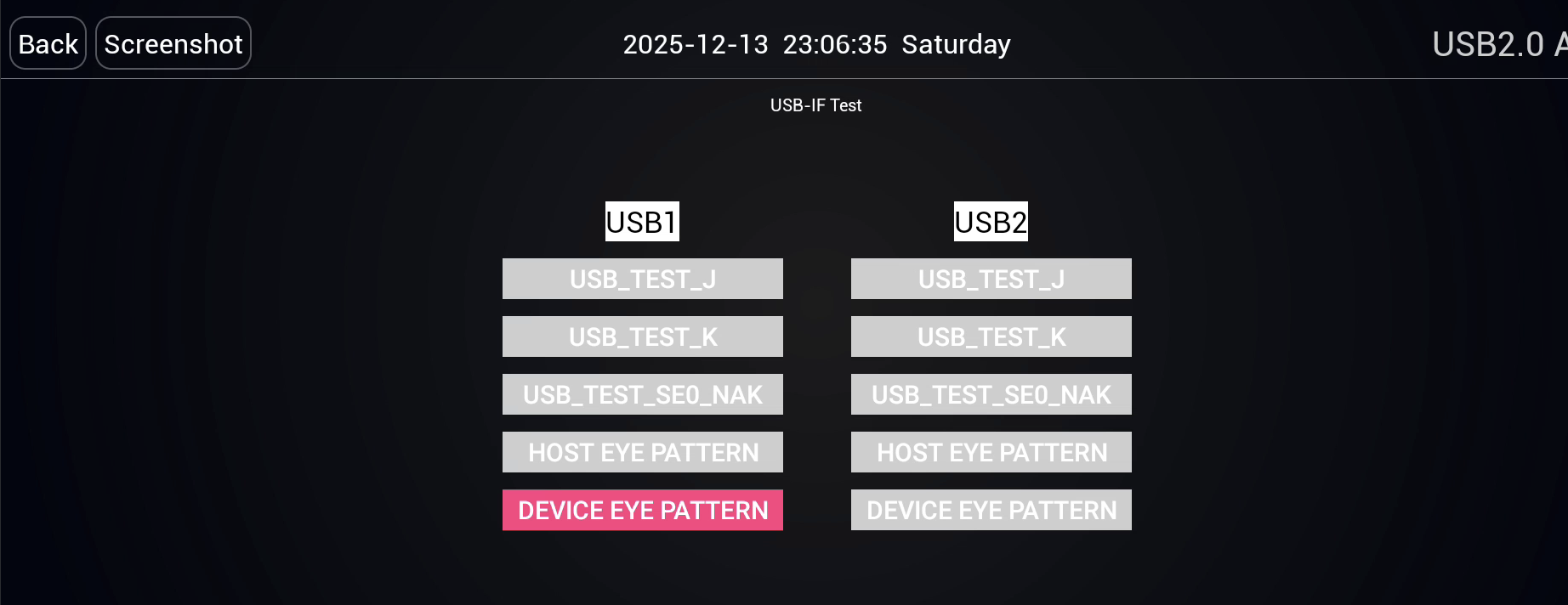
- If the button is not there: you need
adbauth.key. On the ADB Lock page, openVERSION INFO/版本信息. CopyproductID / 产品序列号and send it to us. Install after the key arrives.
Tiggo 8 2025
A Tiggo 8 2025 uses the same path as a Tiggo 7 2025.
- Open the engineering menu with the Tiggo 7 2025 steps.
- Open the
USB2.0 AUTH/USB2.0认证screen. - If the
DEVICE EYE PATTERN/Device眼图button is there, touch it. You do not needadbauth.key. Continue with the 02.00.00 install. - If the button is not there, you need
adbauth.key. On the ADB Lock page, openVERSION INFO/版本信息. CopyproductID / 产品序列号and send it to us.
Tiggo 8 2026
A Tiggo 8 2026 opens the menu from another place.
- Press Settings on the screen.
- In the menu, go to System.
- Touch the top title "About" (Hakkında) quickly. Touch it until the hidden menu opens.
- Touch
USB2.0 AUTH/USB2.0认证in the menu. - If the
DEVICE EYE PATTERN/Device眼图button is there, touch it. You can install withoutadbauth.key. Continue with the 02.00.00 install. In the web installer, the install type is "02.00.00". - If the button is not there, you need
adbauth.key. On the ADB Lock page, openVERSION INFO/版本信息. CopyproductID / 产品序列号and send it to us.
Jaecoo
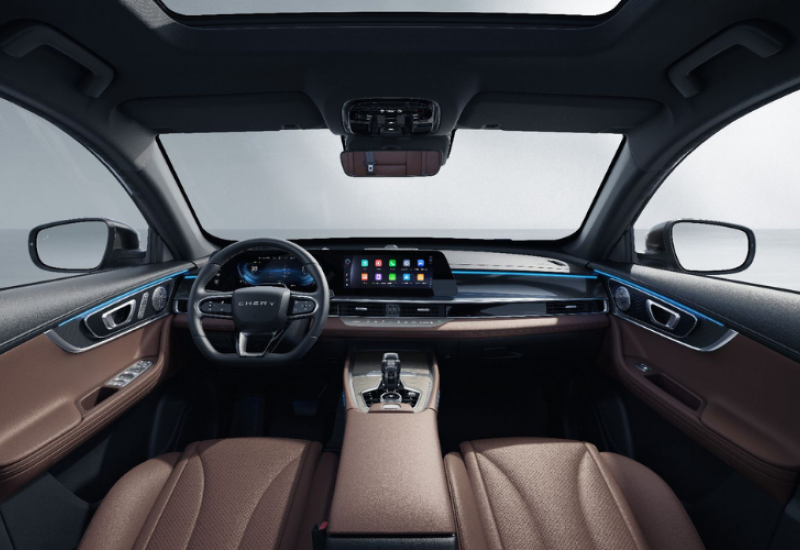
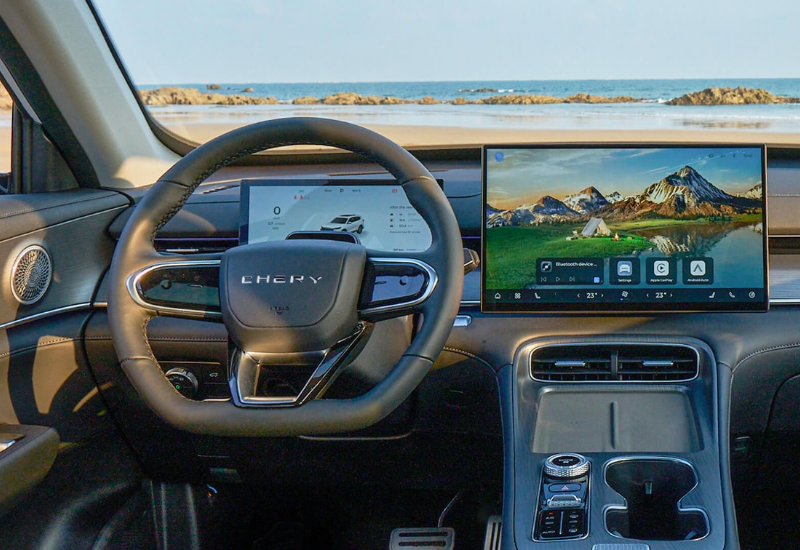
NOTE: The photos in this guide do not show the Jaecoo model or the year. A cabin photo shows Chery on the steering wheel. Do not choose a model year from these photos. On a Jaecoo screen, use the steps below.
- Open Settings.
- Find the line "DMC yazılımı sürüm numarası". The value can look like
02.00.00. - Touch the label above this line quickly. The hidden menu opens.
- Touch
USB认证. A Jaecoo screen does not showUSB2.0认证. - If the
DEVICE EYE PATTERN/Device眼图button is not there, you needadbauth.key. On the ADB Lock page, openVERSION INFO/版本信息. CopyproductID / 产品序列号and send it to us. Install after the key arrives. - If the button is there, touch it. You do not need
adbauth.key. Continue with the 02.00.00 install.